Nerola
AI hairstyle try-on for iPhone
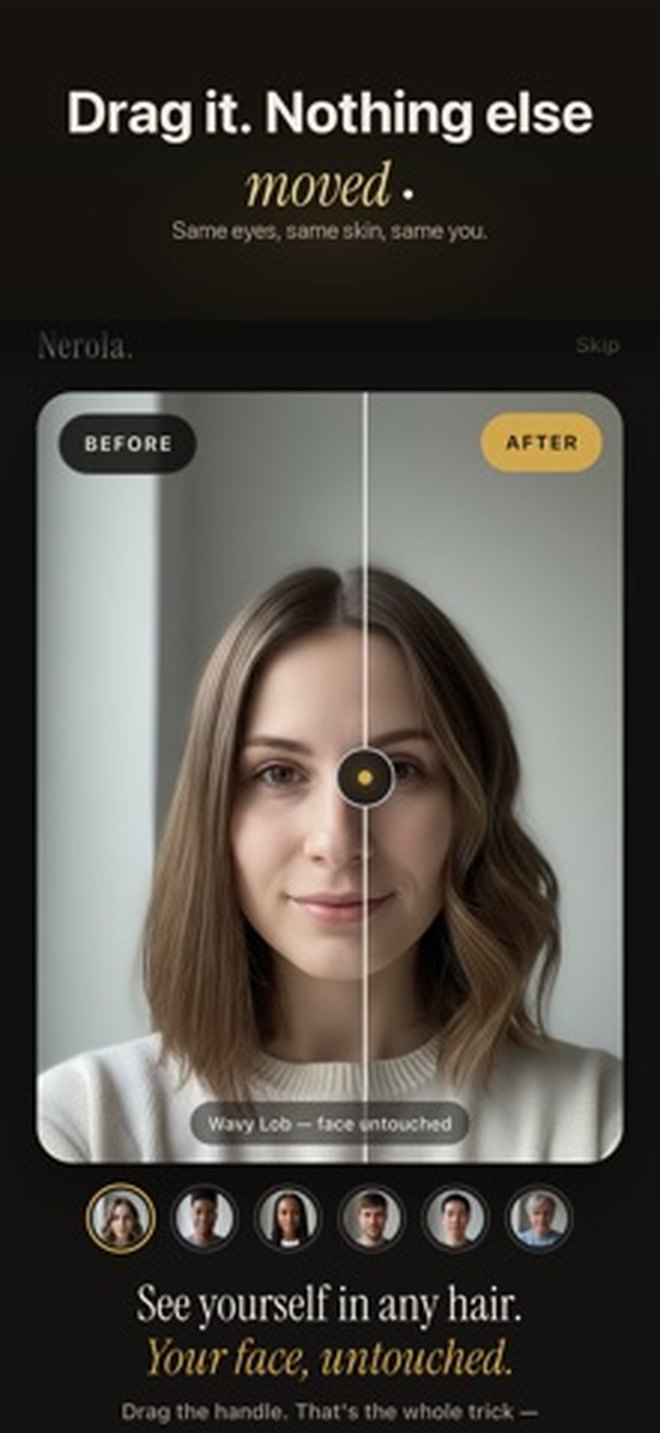
One selfie becomes a preview of a new cut or colour — with your face left exactly as it is.
Download on the App StoreFree to download · Photo & Video
How it works
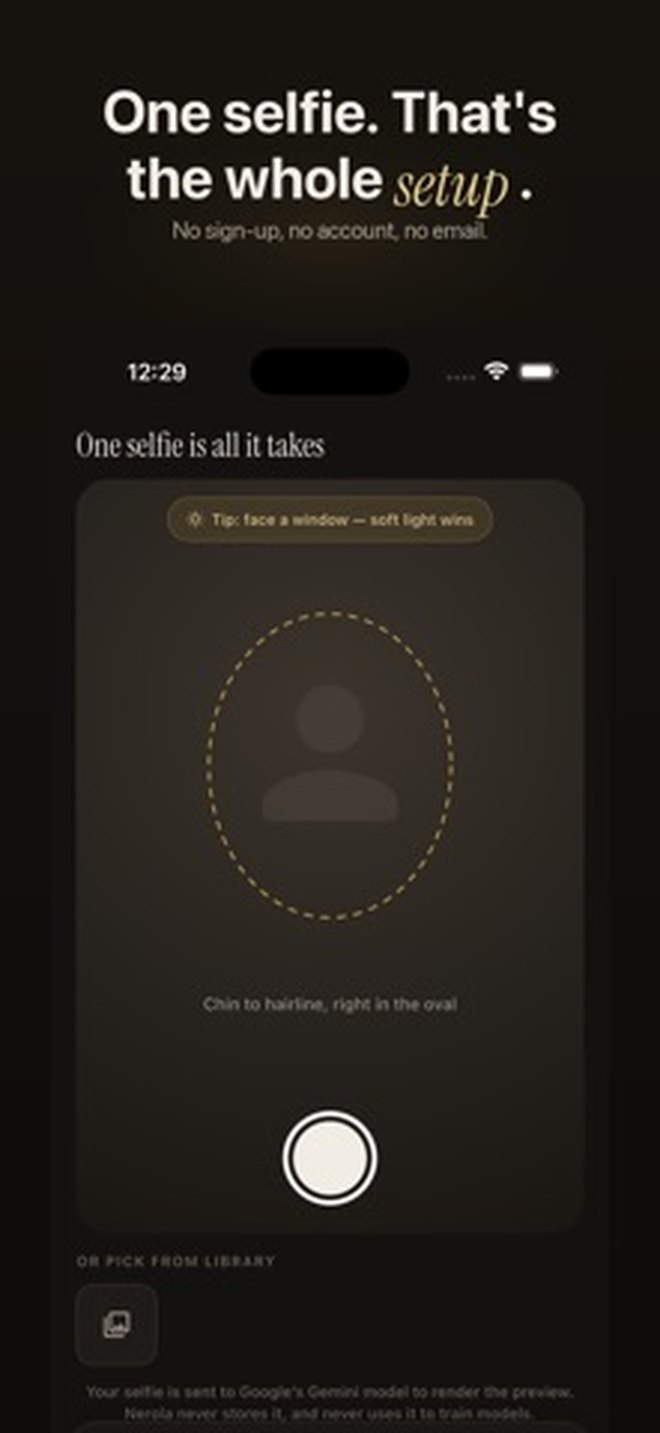
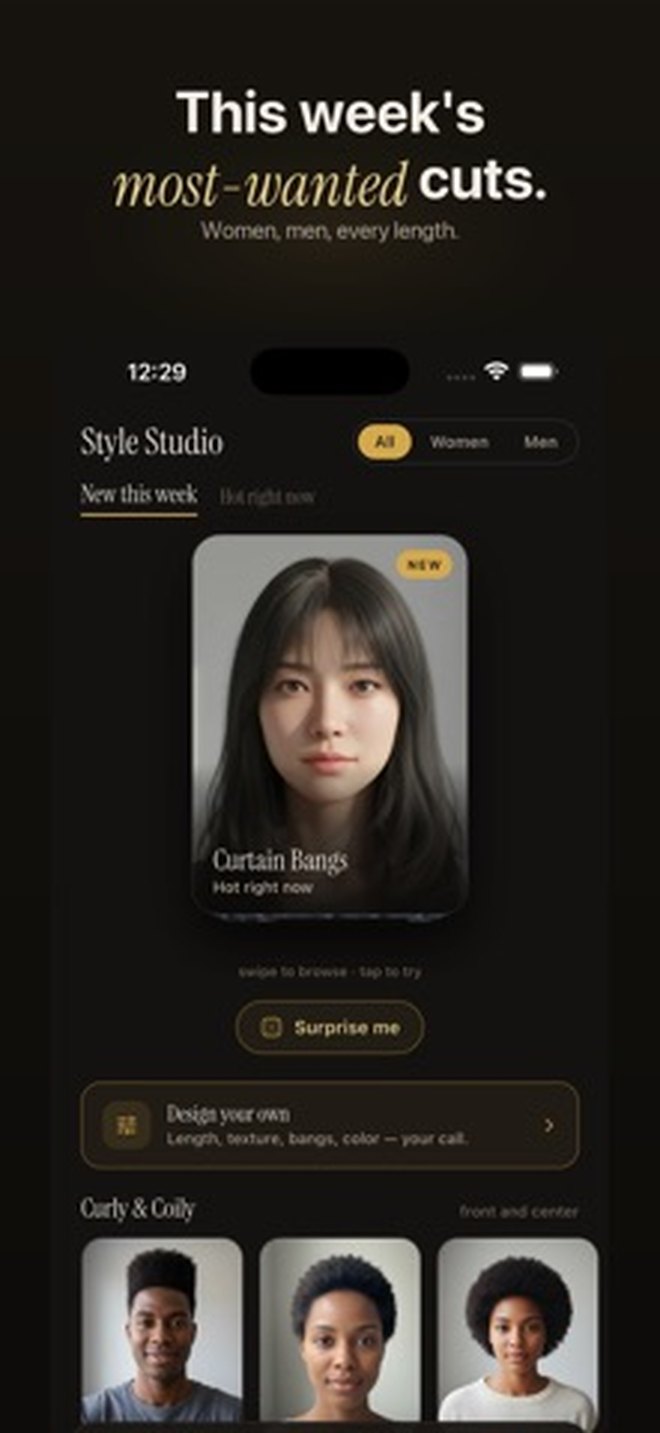
Take or pick a selfie, choose a style or a colour, and Nerola generates a preview. Your features stay yours — the app changes the hair, not the face.
Good to know
No account. Nothing to sign up for.
Your photos are yours. See the privacy policy for exactly what is processed and why.
Cancel anytime. Subscriptions are managed in iOS Settings → your Apple Account → Subscriptions.
Links
Privacy Policy · Terms of Use · Support
Contact: support@kovenza.app